Write without the markup
Edit headings, links and lists visually, or switch to Markdown source when you need it.
Local documents. Open source.

A desktop editor for Markdown and documents. Write comfortably, keep images with your text, and take your files with you.
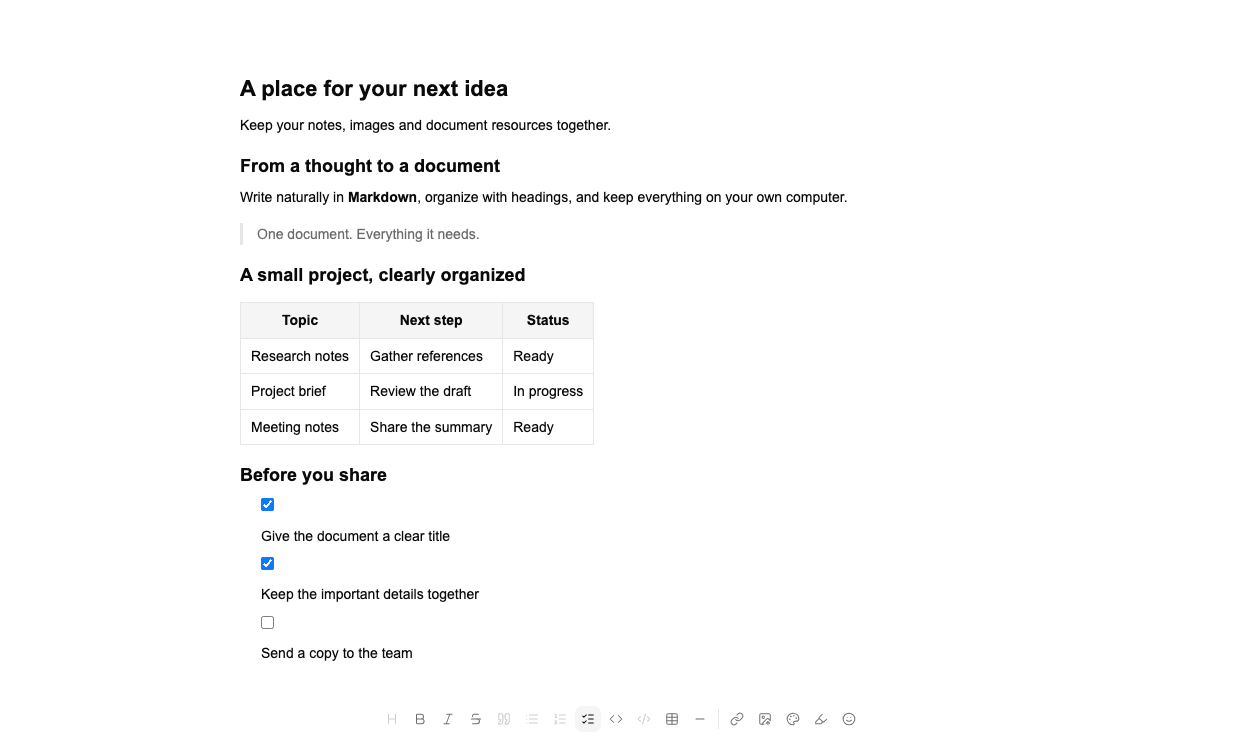
Edit headings, links and lists visually, or switch to Markdown source when you need it.
Save text and embedded resources as a single .mdoc package. No separate image folder to remember when you move it.
Drag column boundaries to adjust widths. Keep richer table formatting with the document instead of fighting pipe characters.
.mdoc
MarkDoc uses .mdoc for documents with bundled resources, while keeping ordinary Markdown useful. Choose the format that fits what you are writing.
.mdPlain notes stay as .md. A text-only Markdown file does not need to become a document package.
.mdocKeep the Markdown body, images and document settings together. Move, back up or share the package as one file.
Free download
For Macs with an M-series chip.
For Macs with an Intel processor.
64-bit Intel and AMD PCs.
x64 AppImage, Debian and RPM packages.
This build is not notarized by Apple. If macOS cannot verify MarkDoc, confirm that you downloaded it from our GitHub release, then use System Settings → Privacy & Security → Open Anyway. Windows may also show an unverified-publisher warning.
Read the installation notesOpen a Markdown file, write something new, or bring a Word document into your workspace.